Film Studio
Describe your idea or pick a template, then improve it scene by scene.
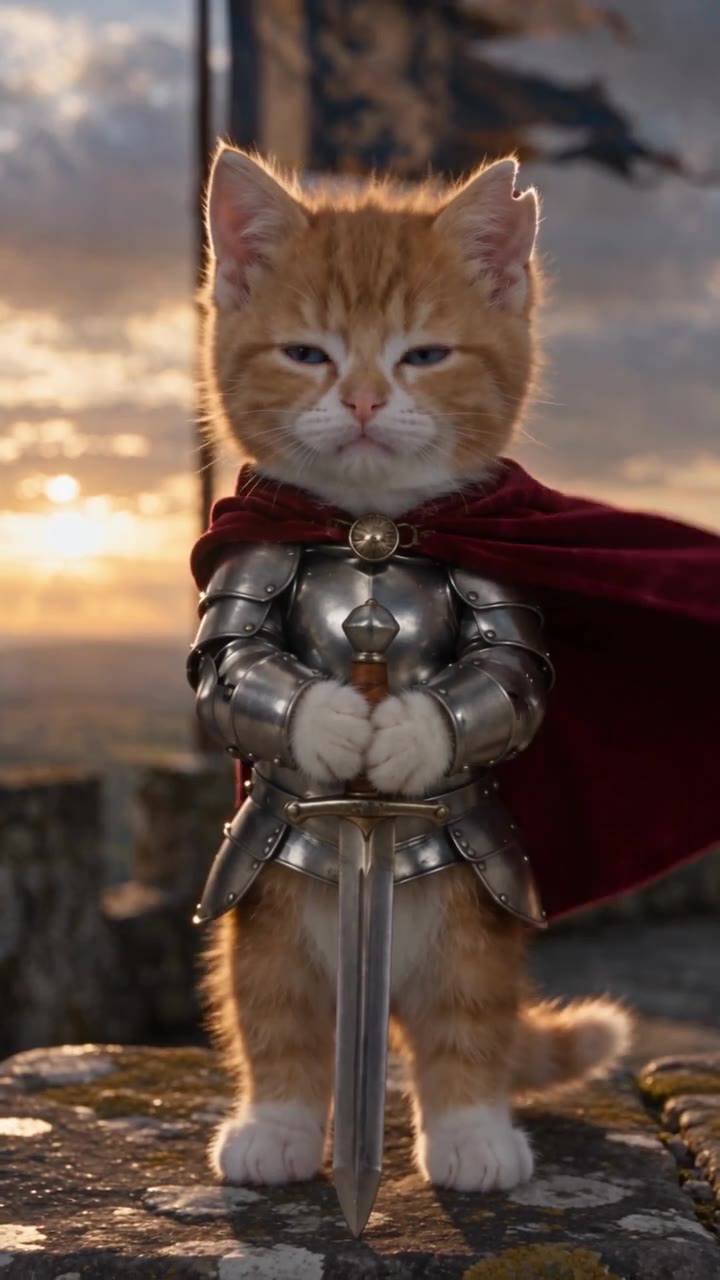
DreamBench turns your idea into a complete video, then lets you change any scene without losing the ones that work.
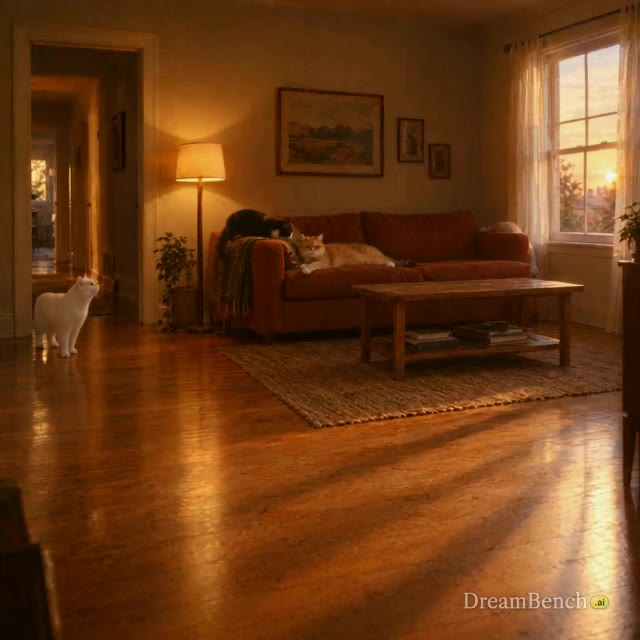
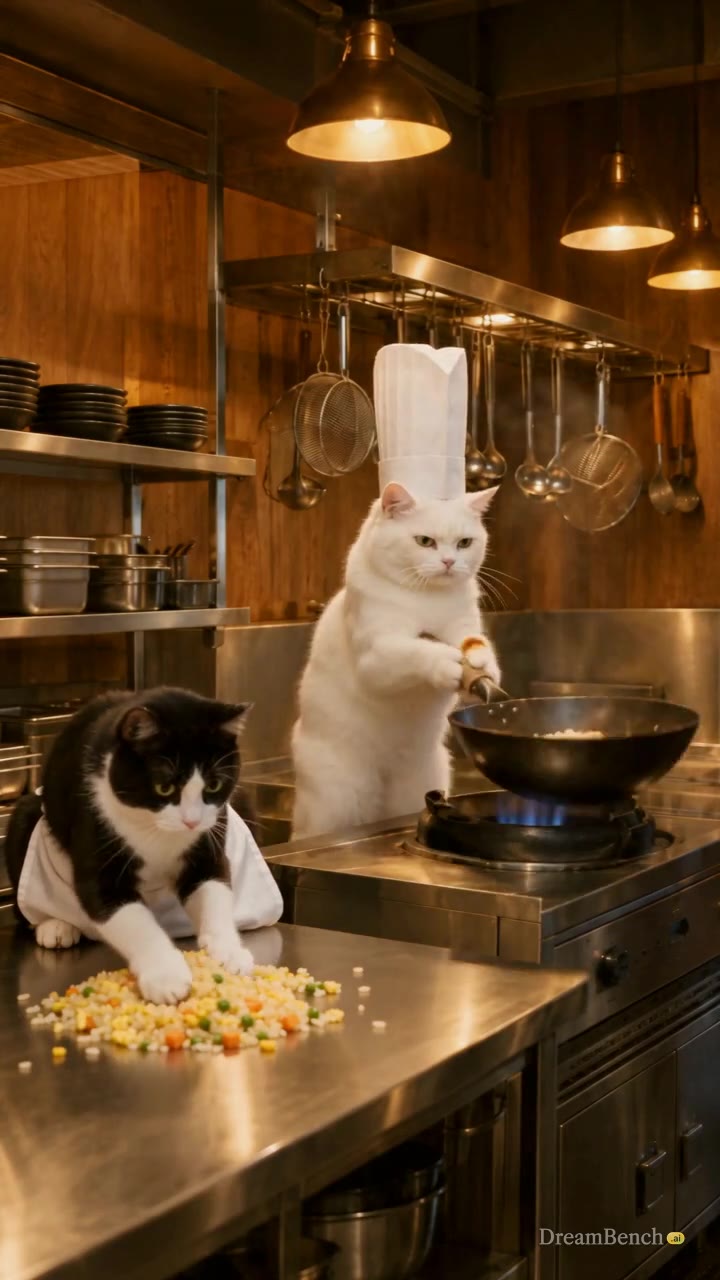
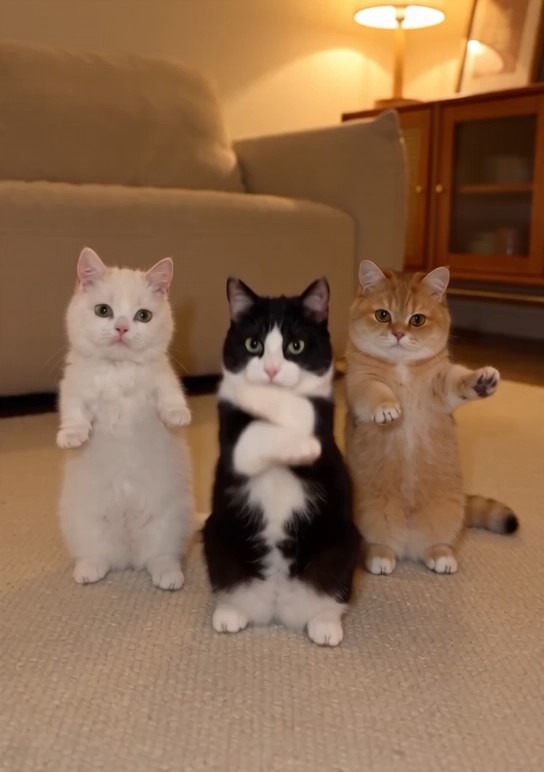
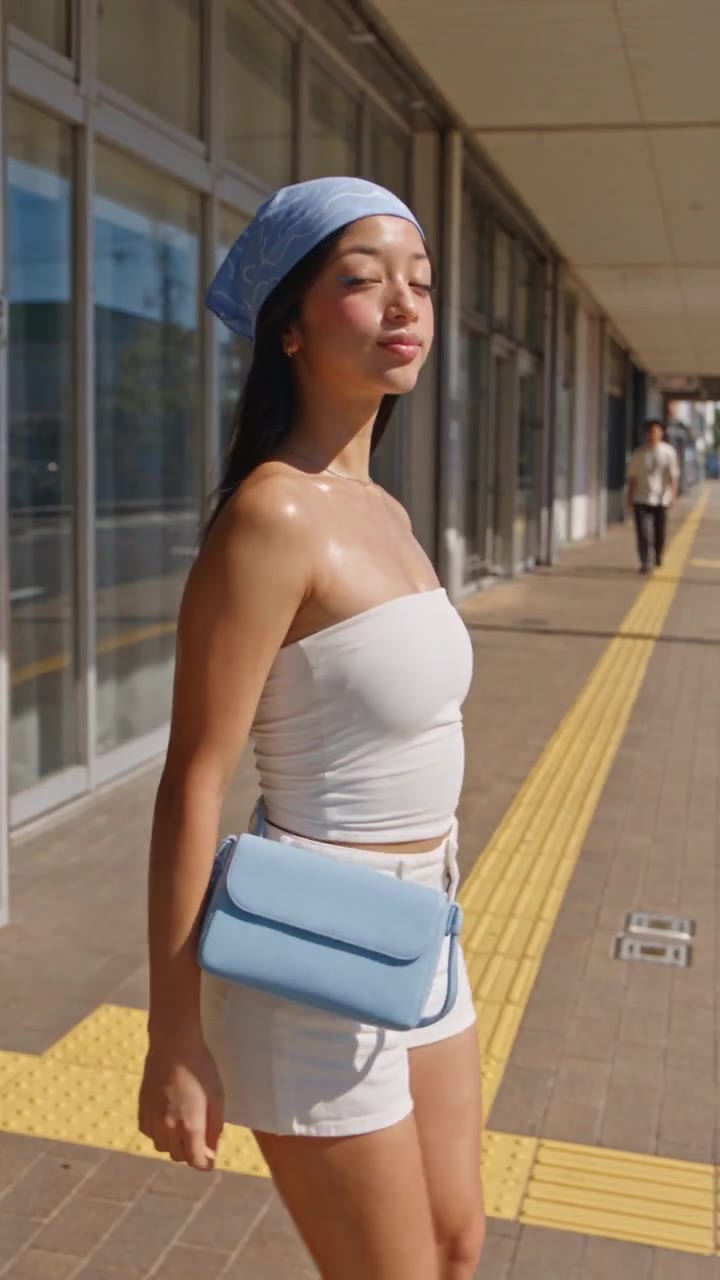
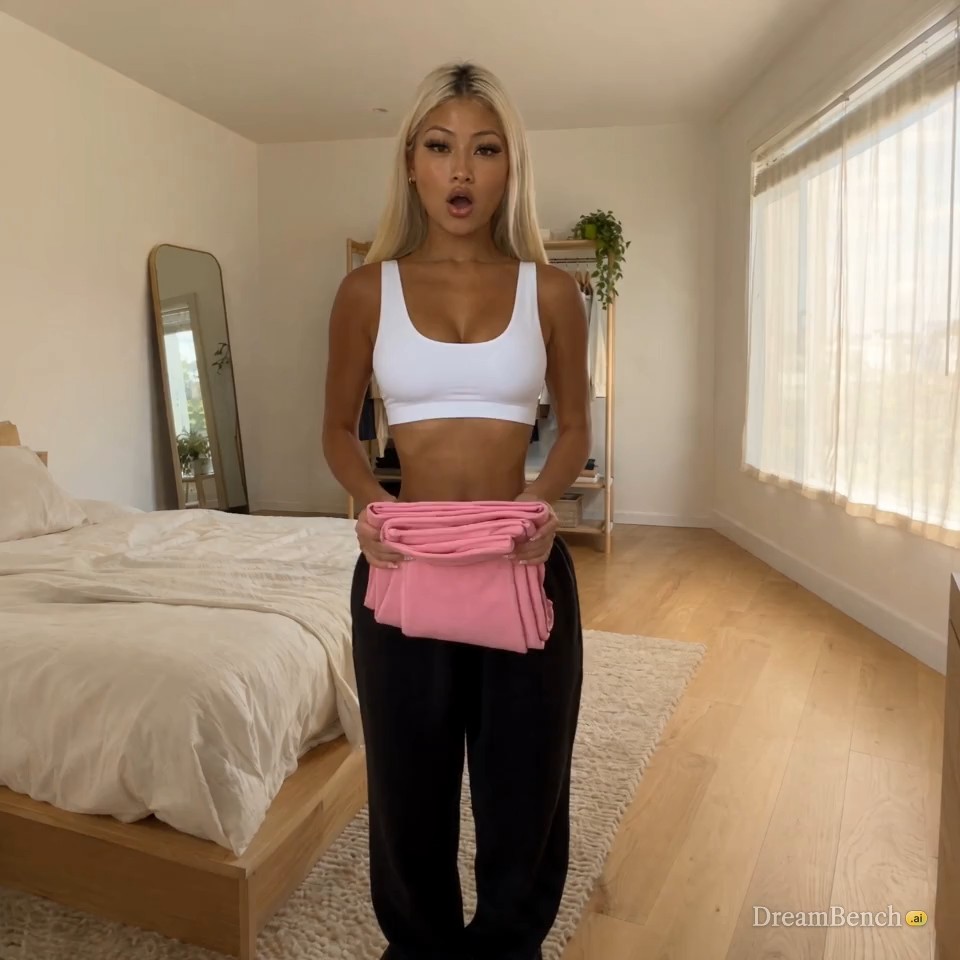
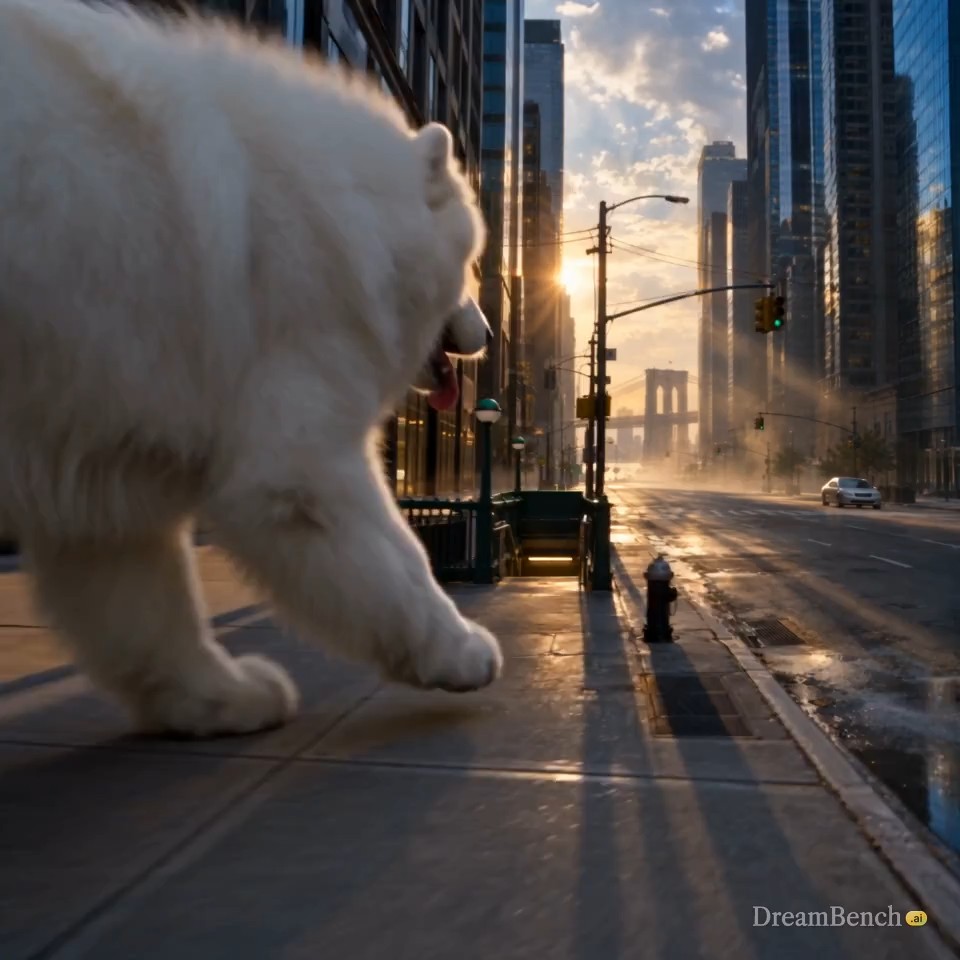
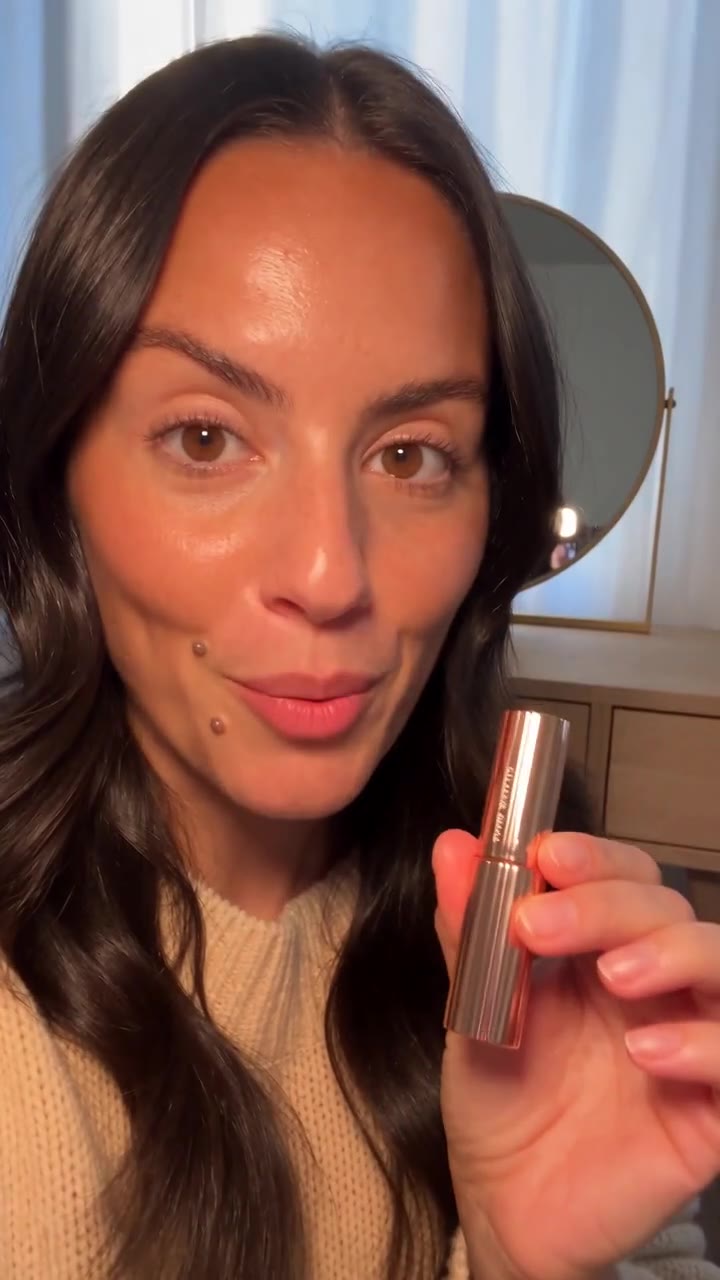
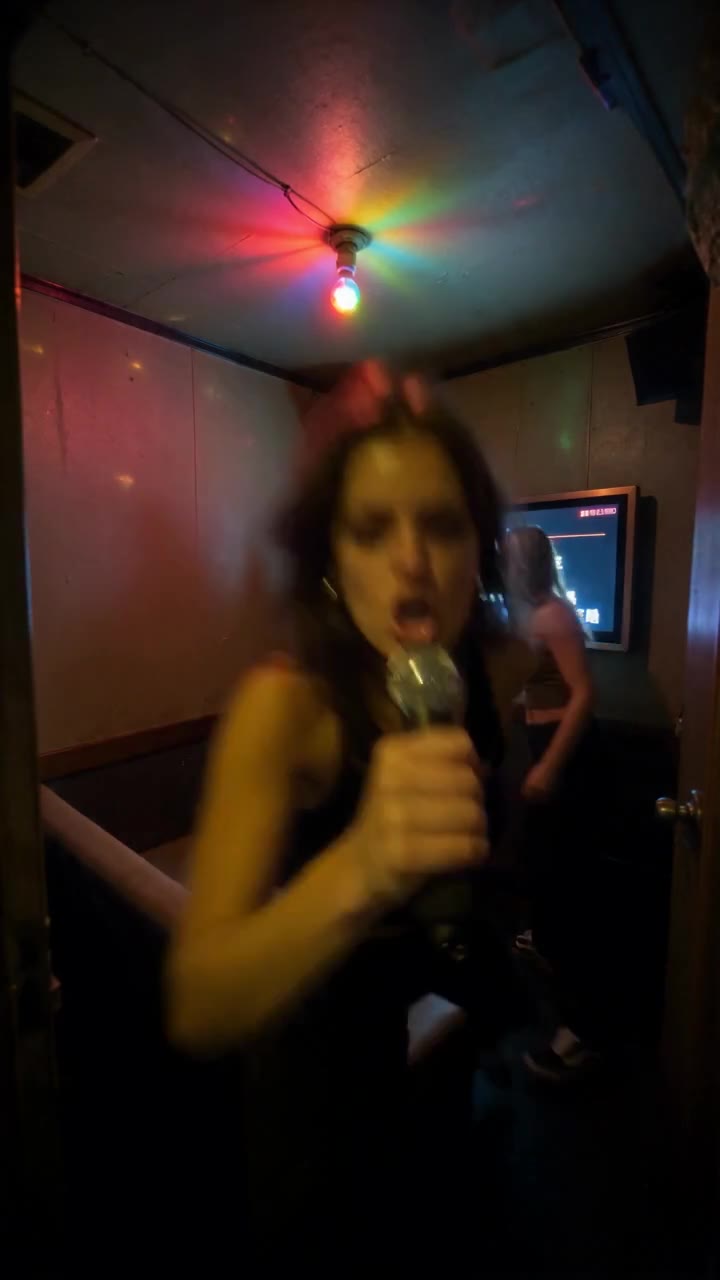
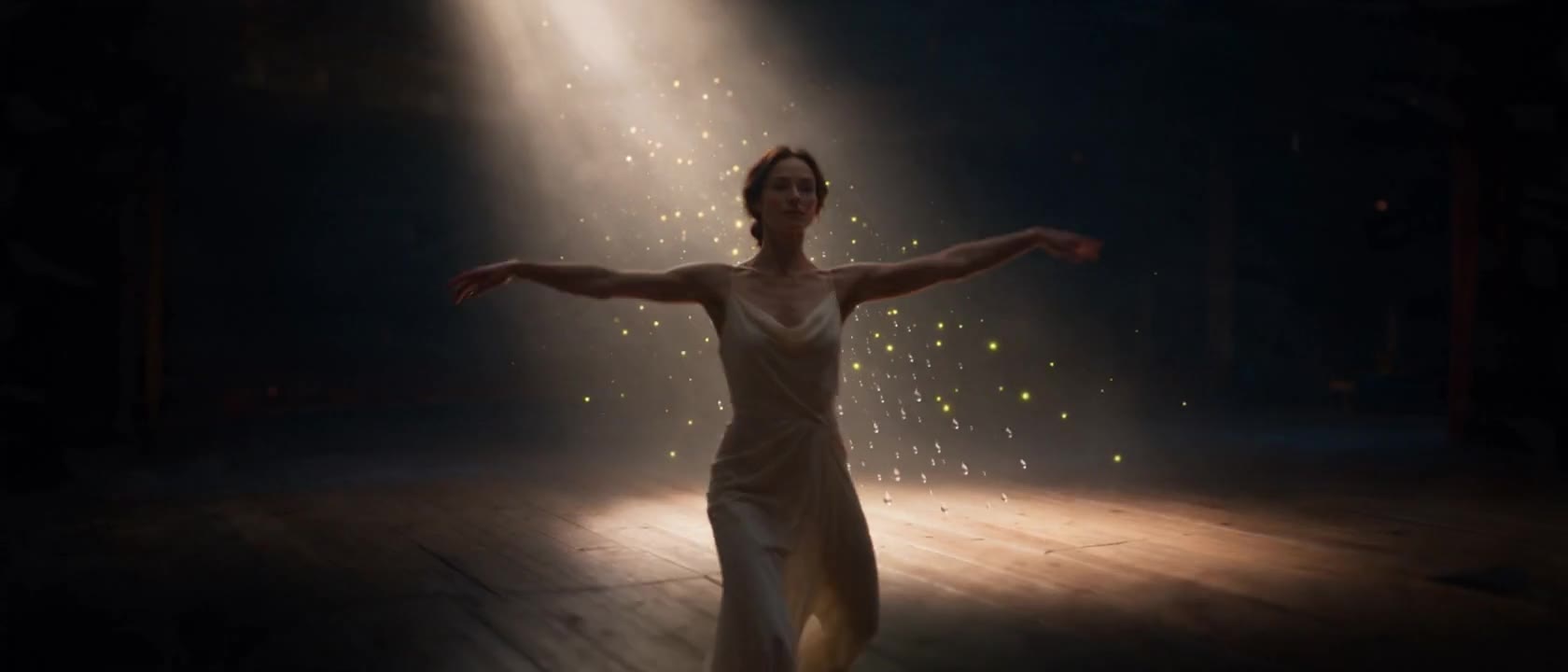
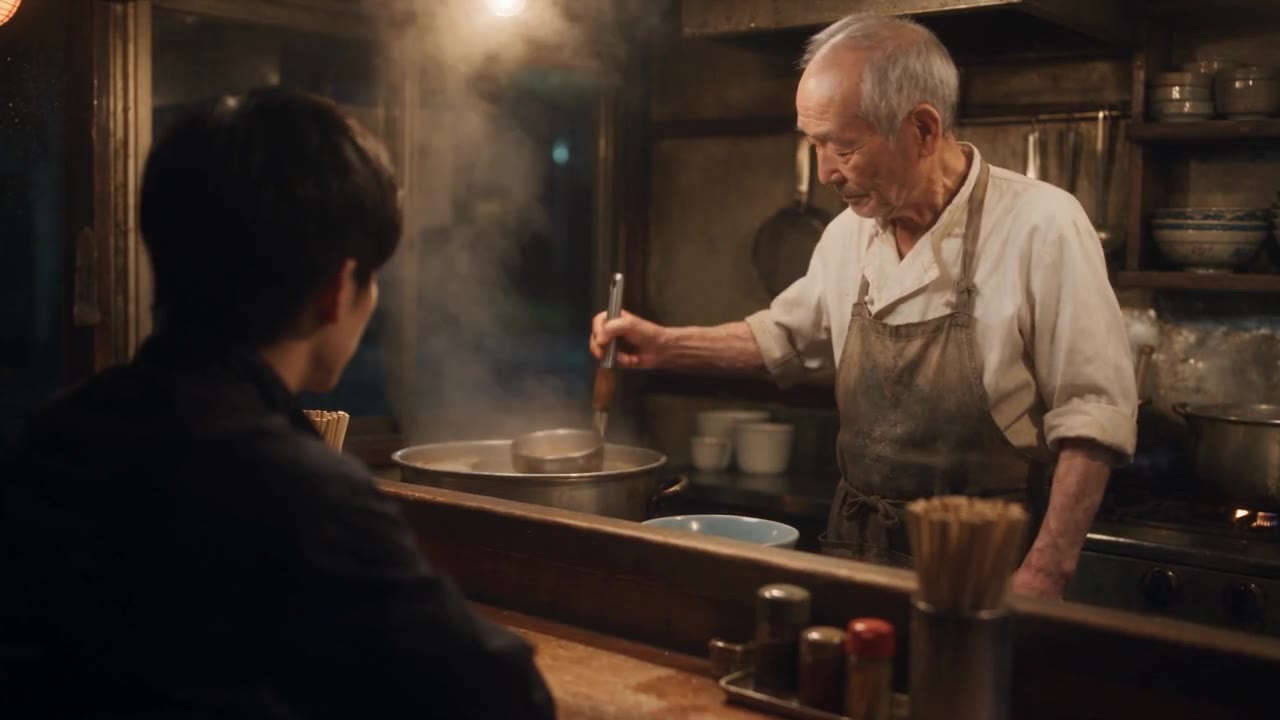

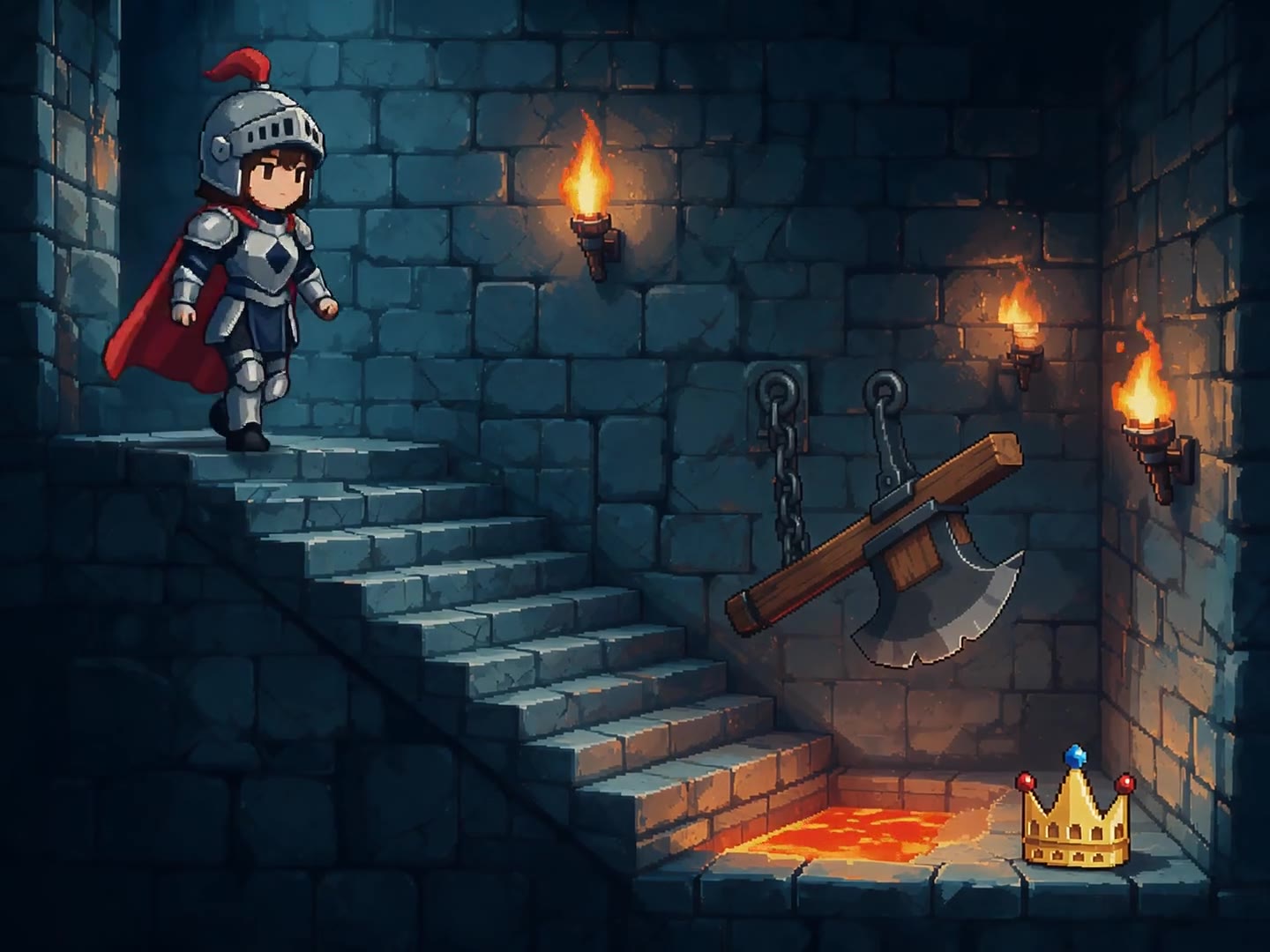
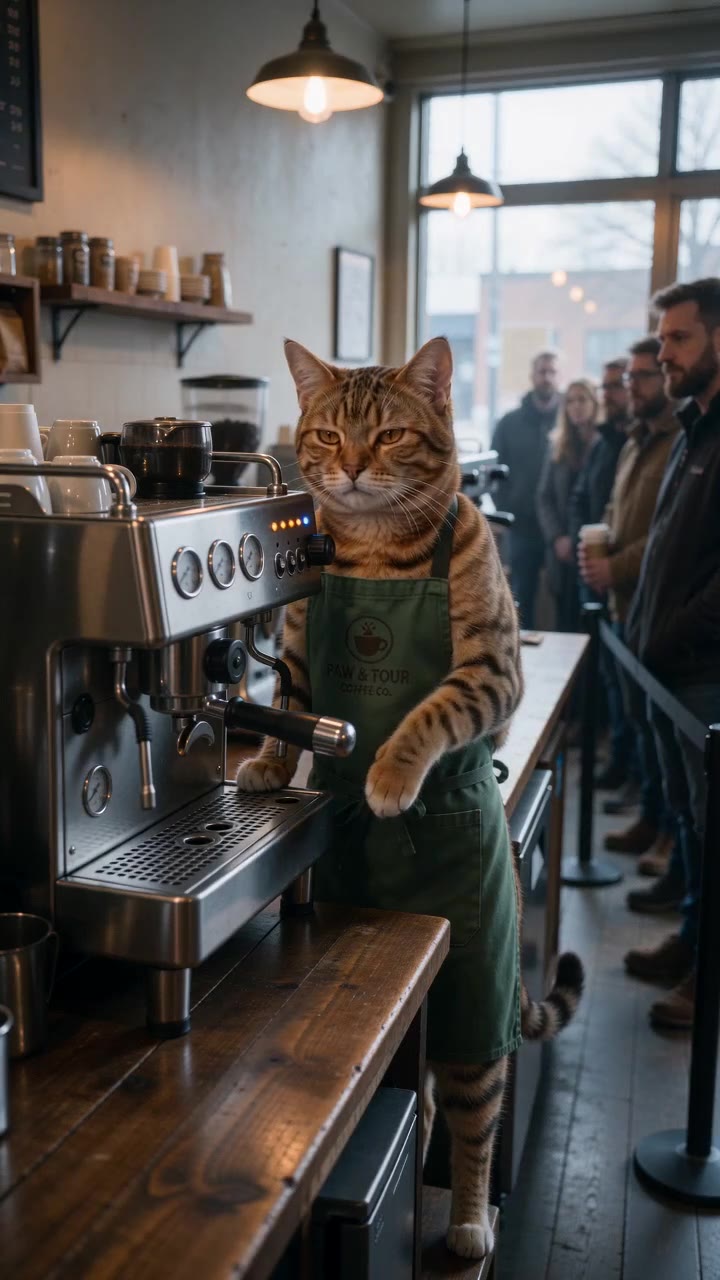
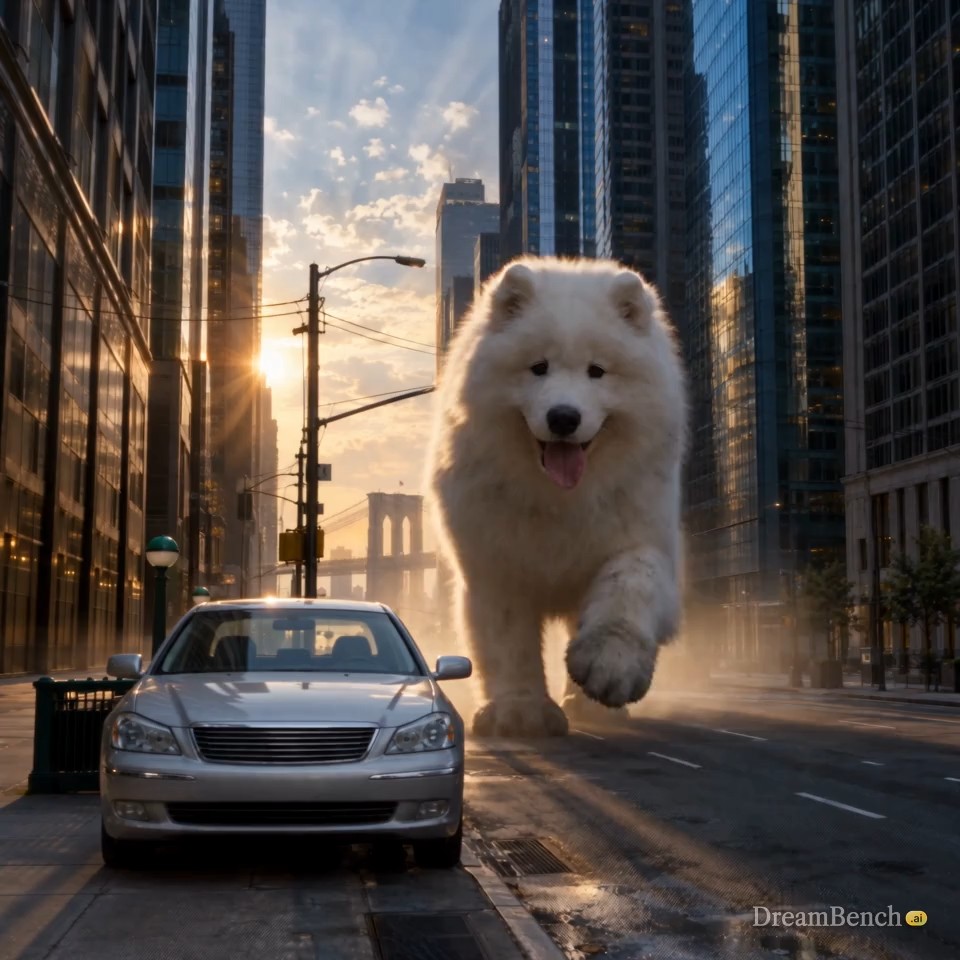
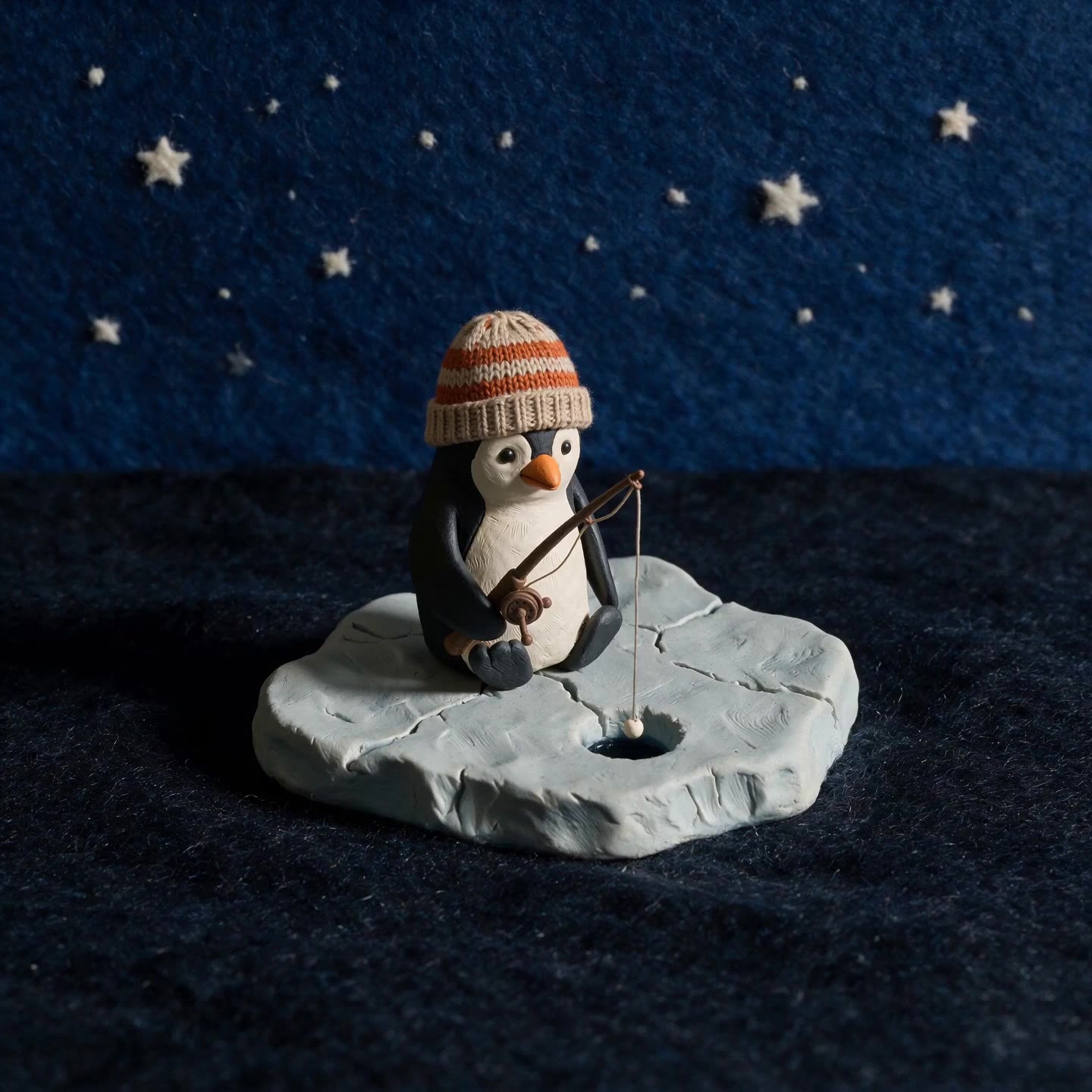
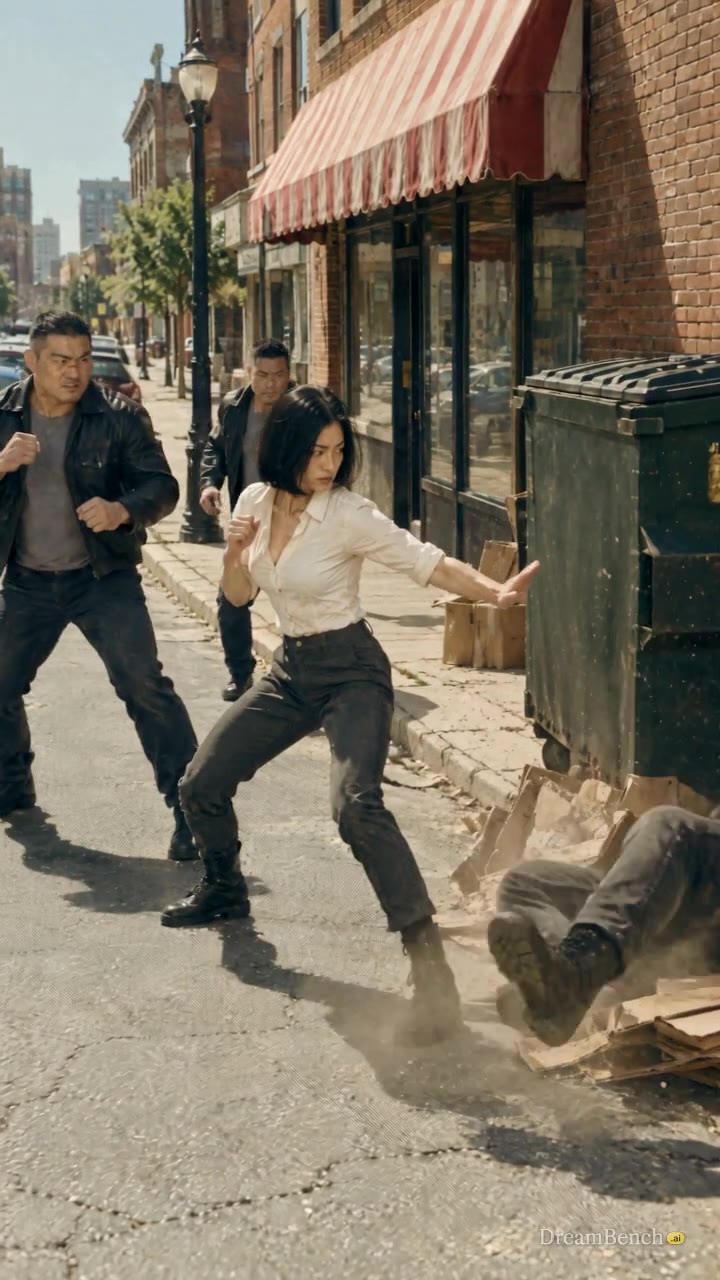
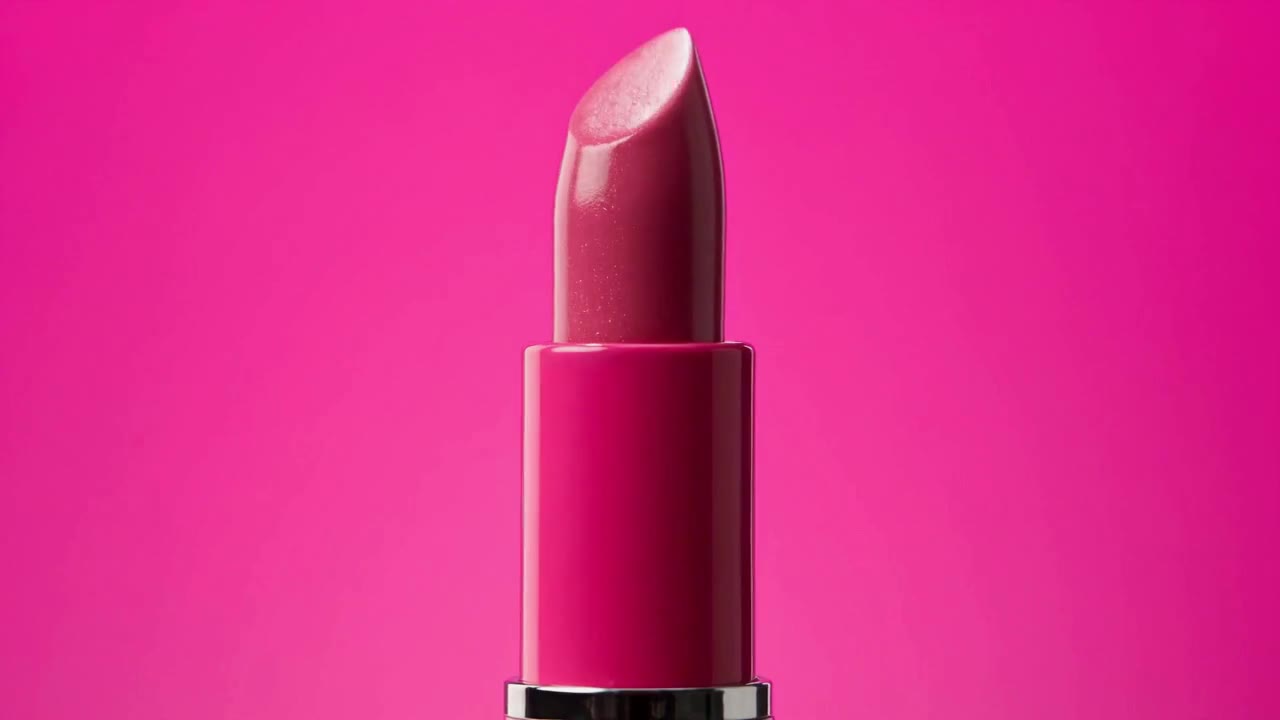
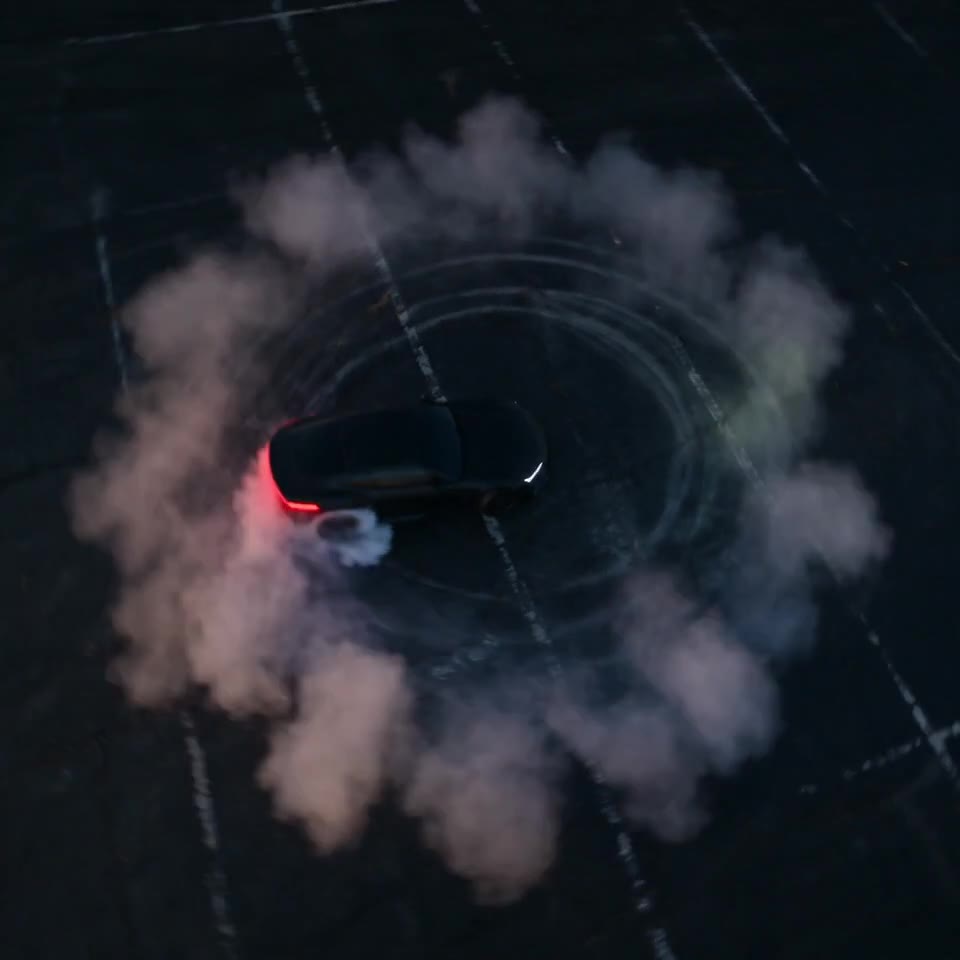
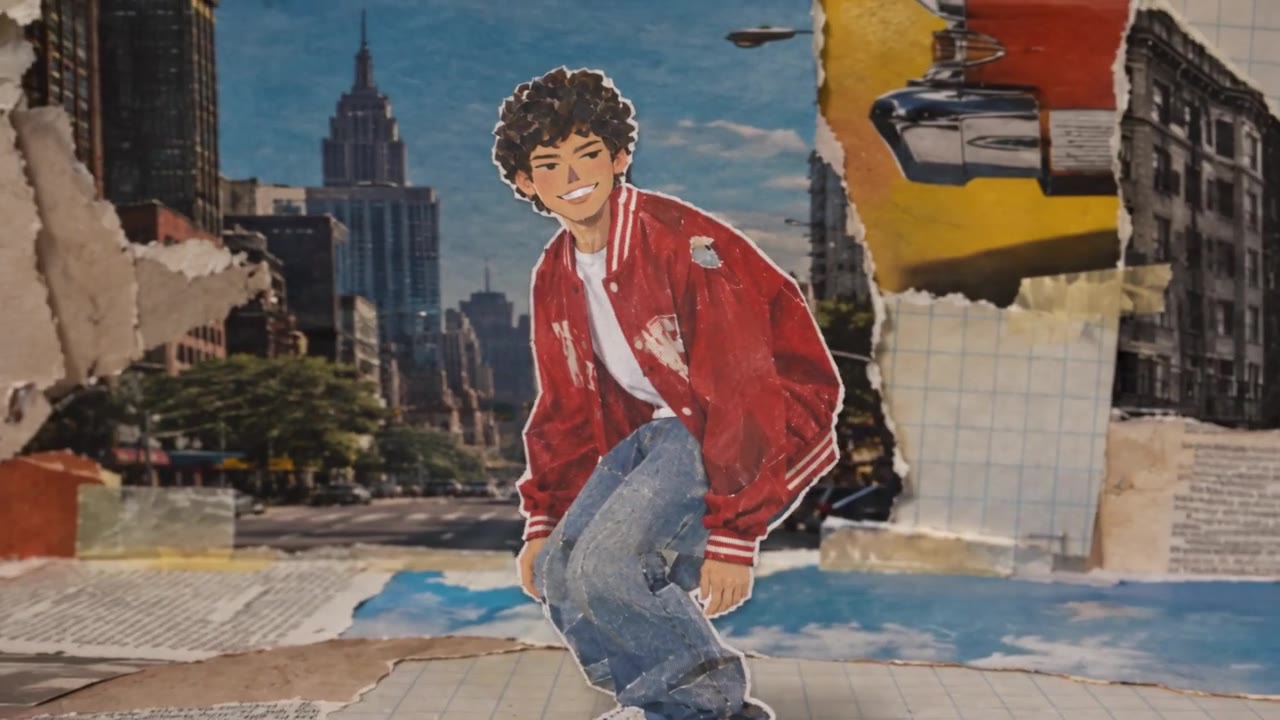
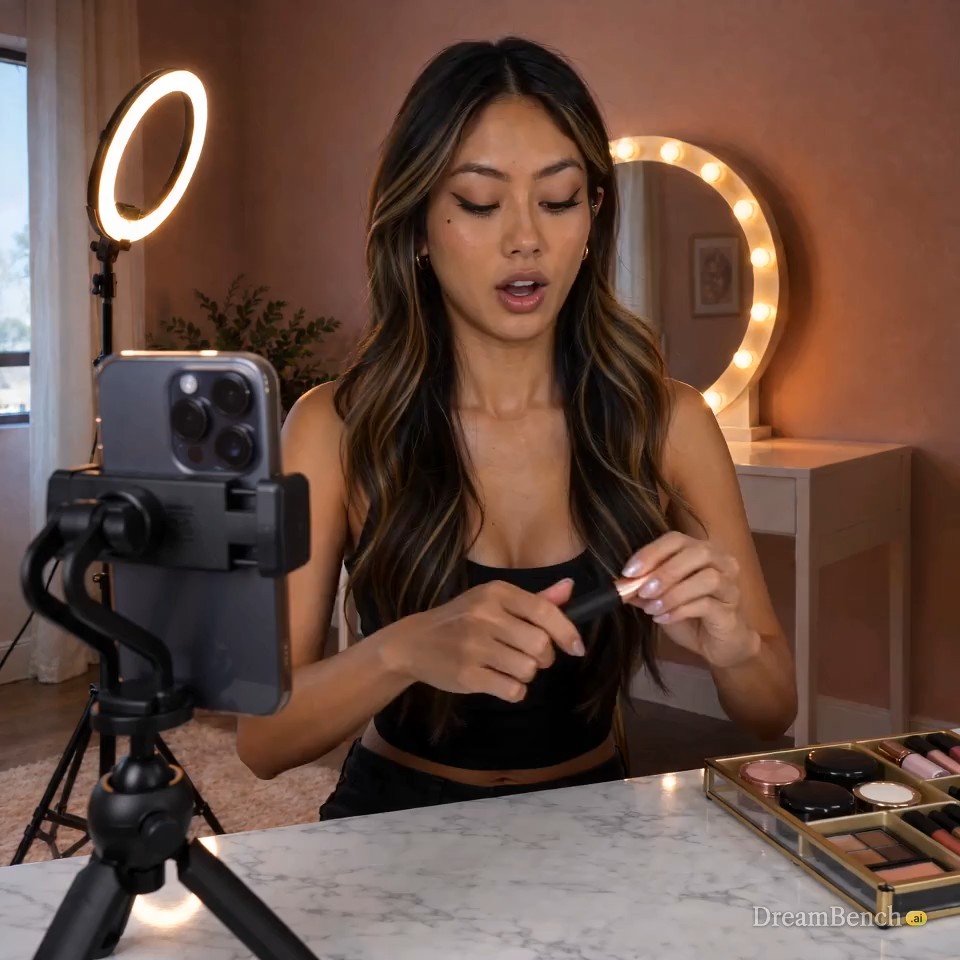
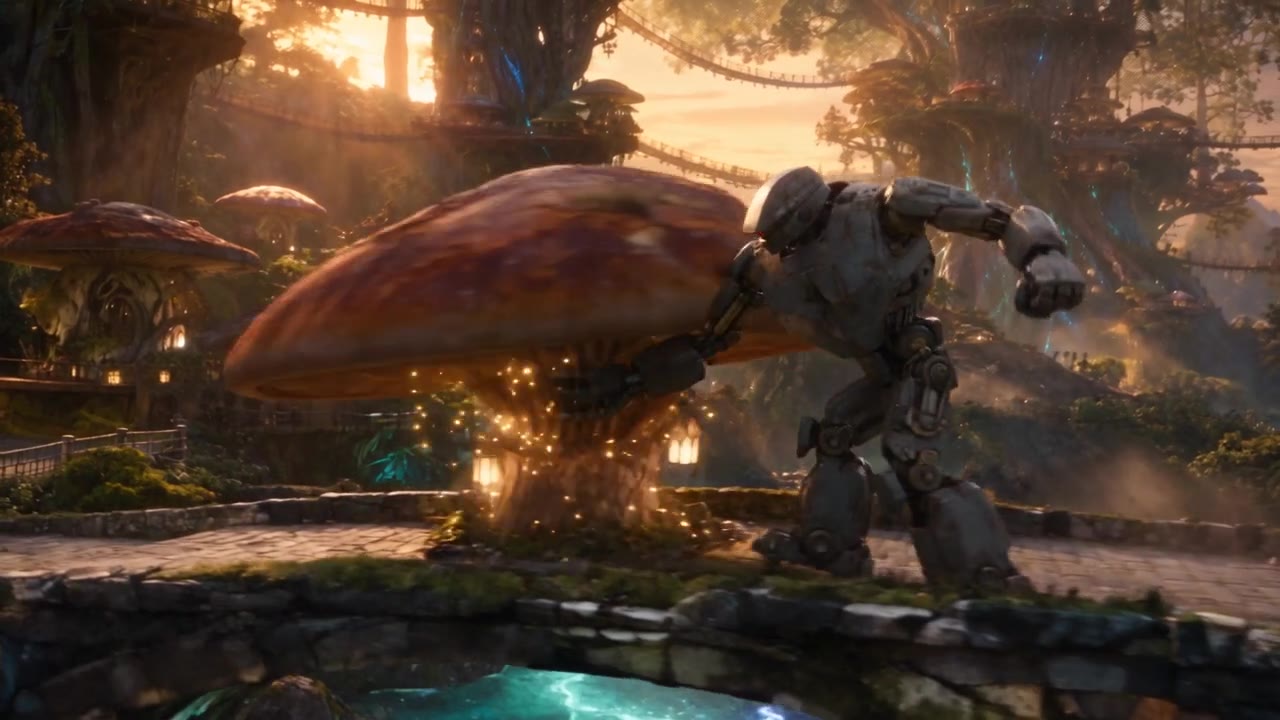
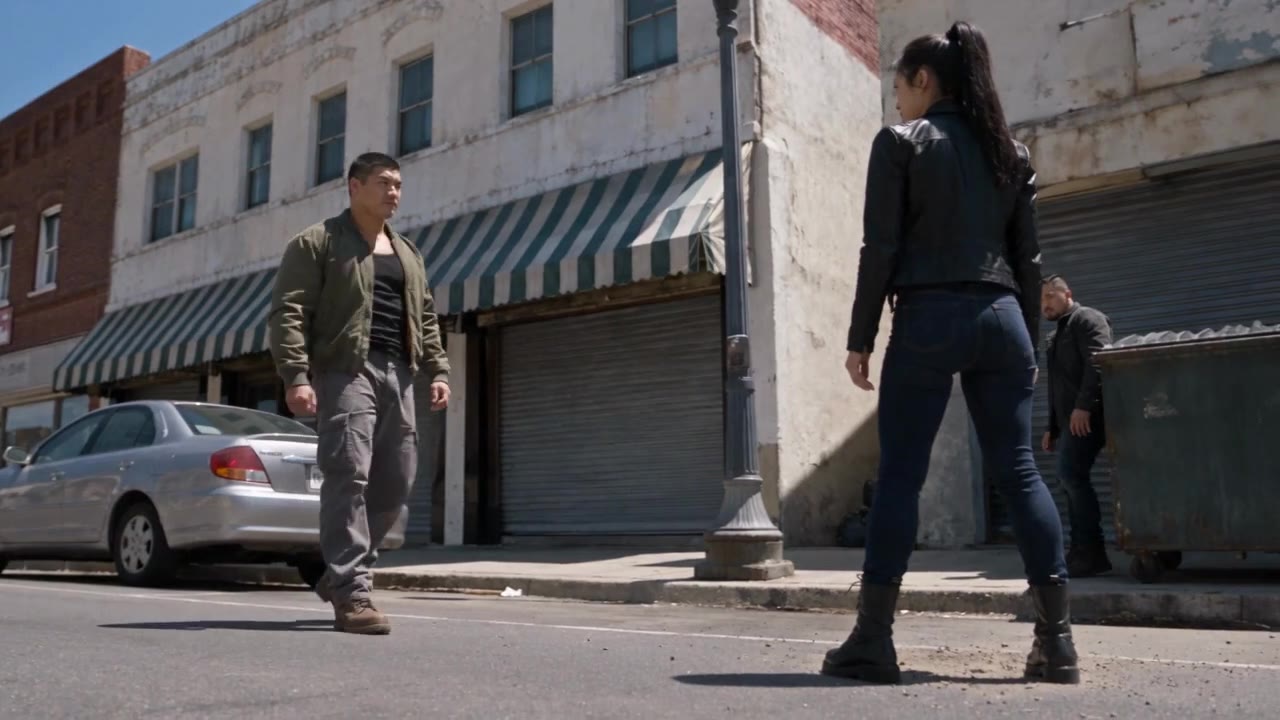
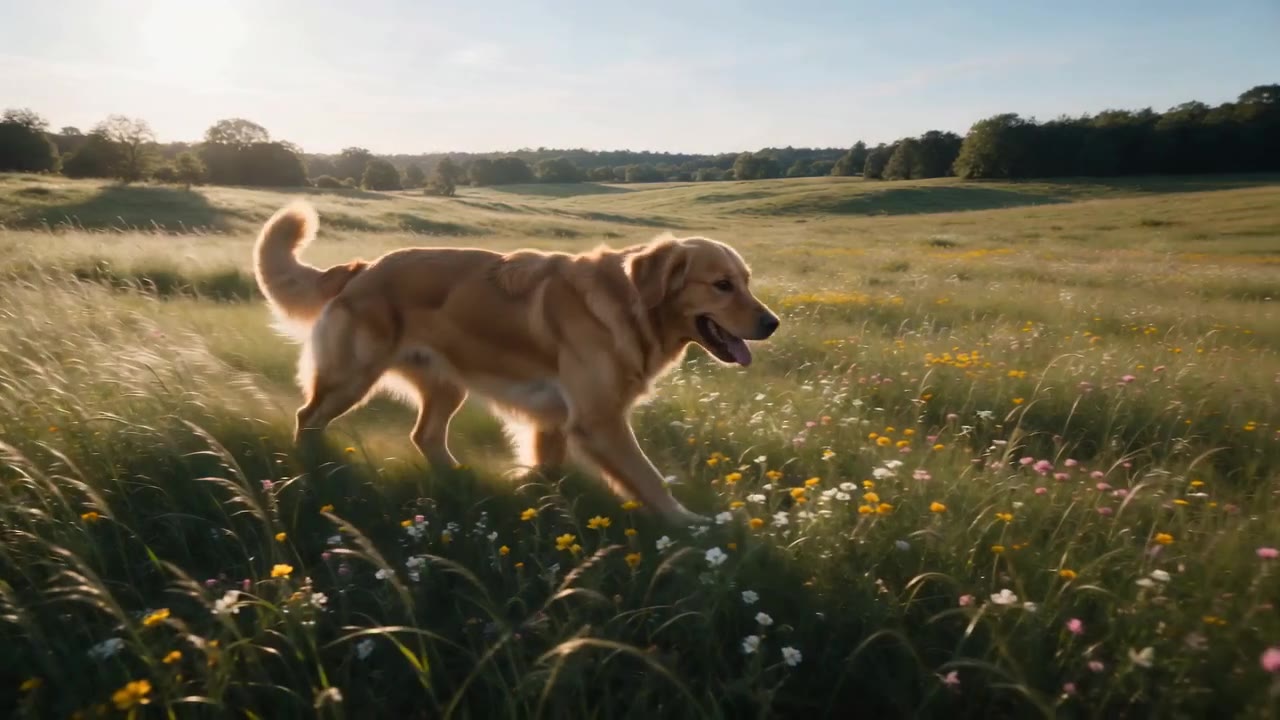
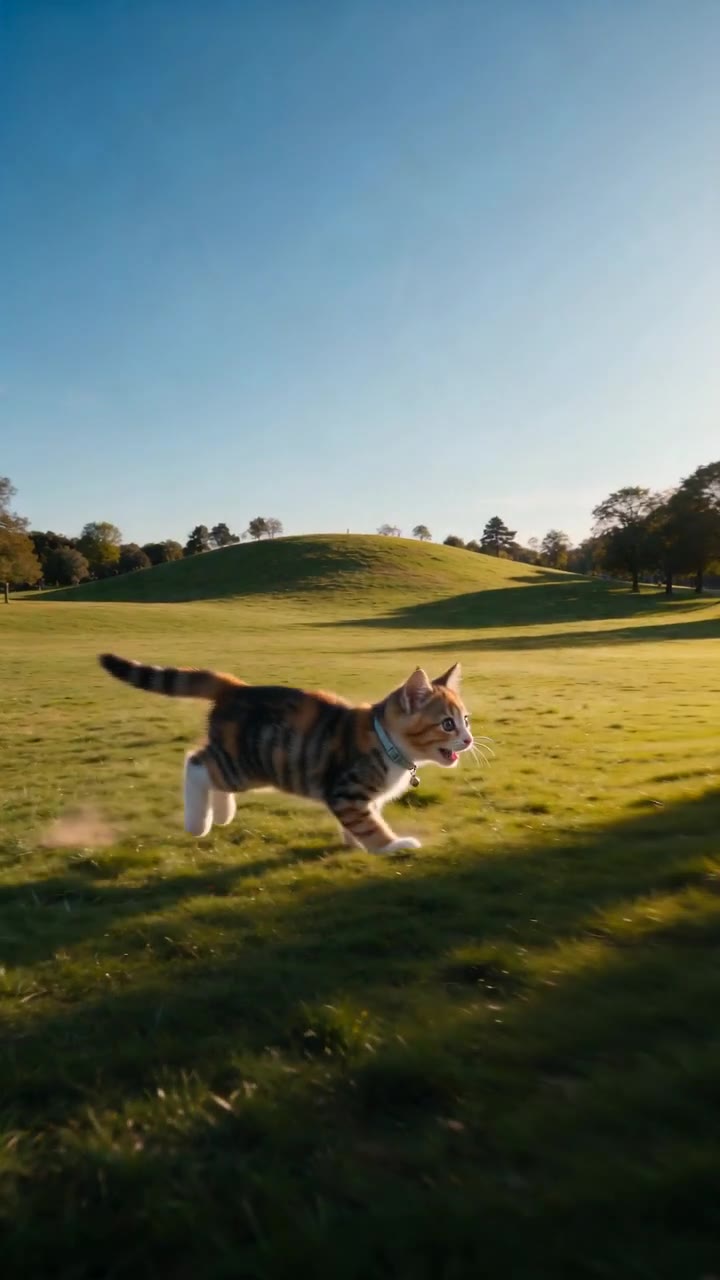
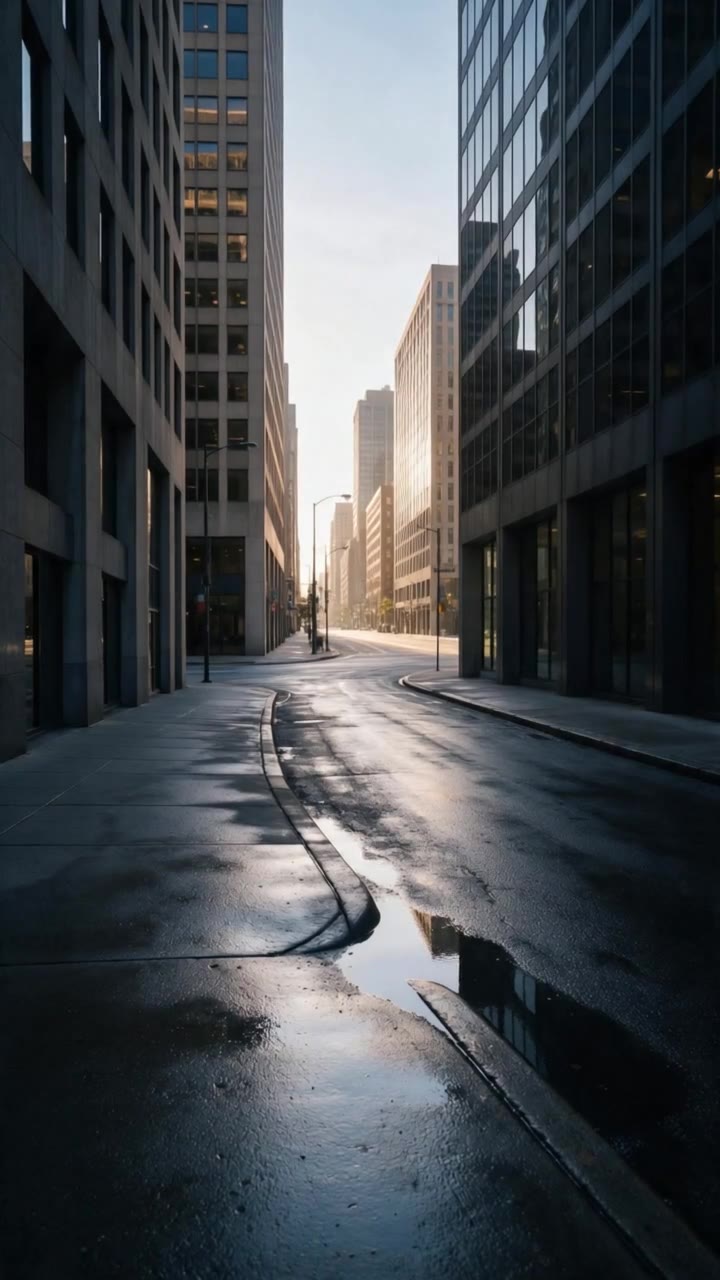
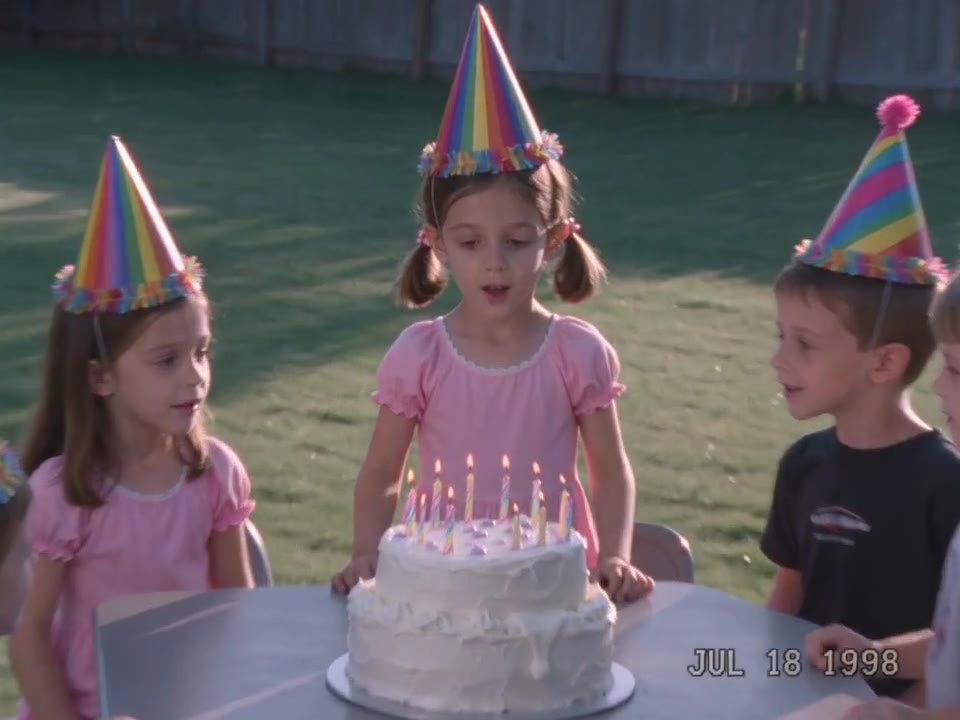
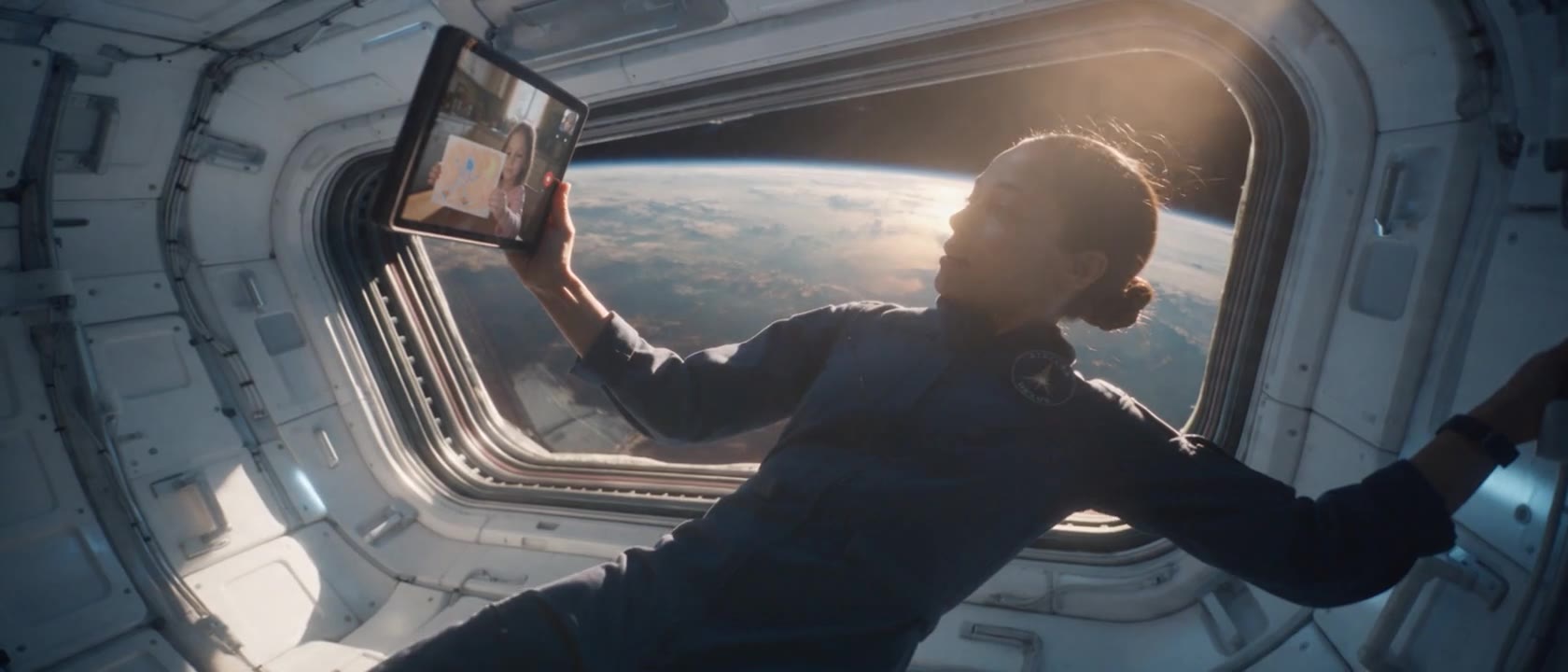
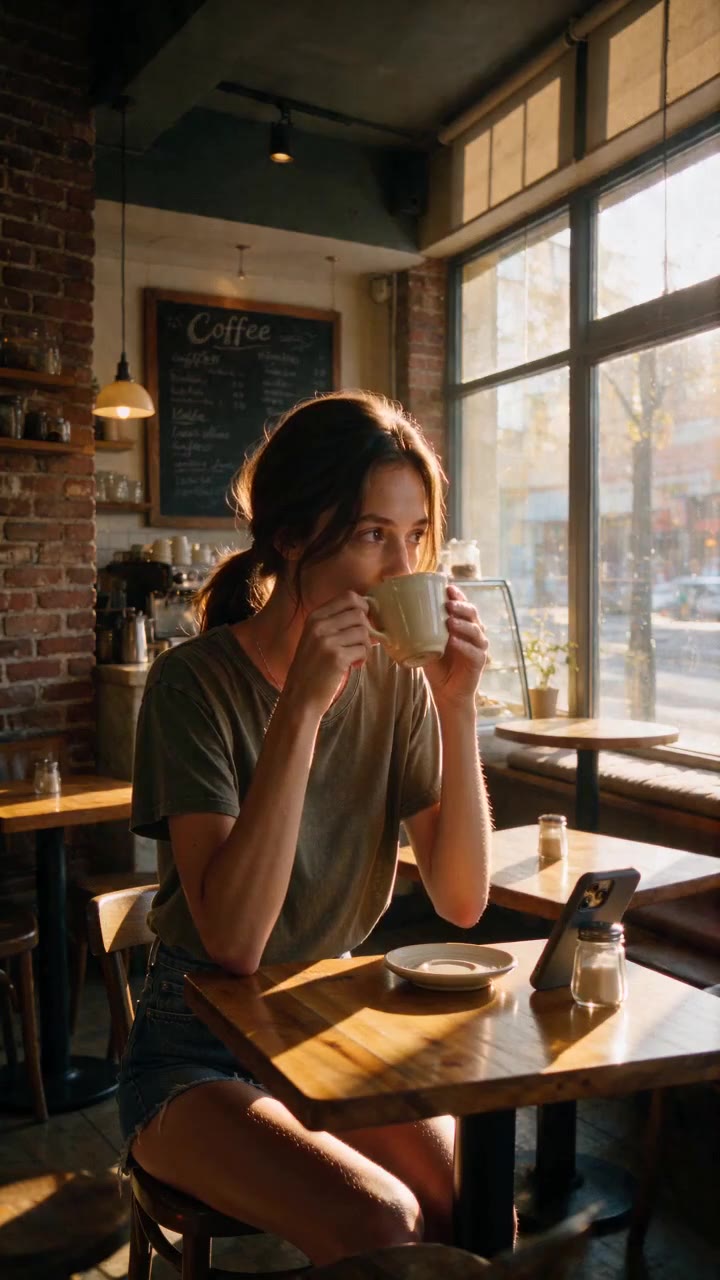
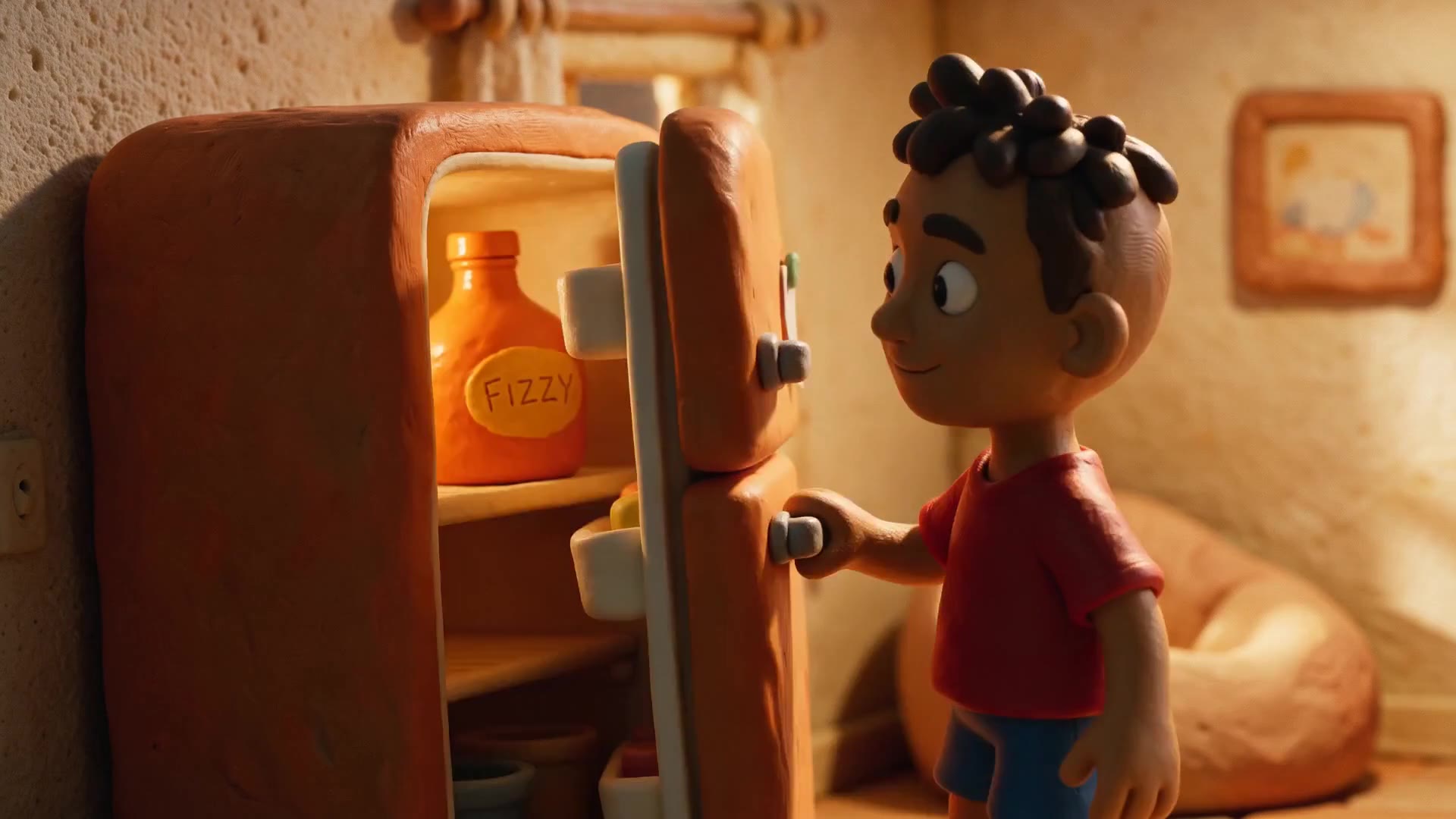
DreamBench's multi-agent system plans the scenes from your idea, generates them and puts them together, so you get a whole video, not a single clip.
A golden retriever running through a sunlit meadow, tracking shot following alongside, golden hour lighting, cinematic and warm, shallow depth of field with wildflowers in foreground.
Scene 1 · The meadow
Scene 2 · The stream
Scene 3 · Home
 @retriever · character
 @meadow · location
 1a1b2a2b
More than one way to make a video, all under one DreamBench account. Each card says what a product is for, so pick the one that fits your idea.
Describe your idea or pick a template, then improve it scene by scene.
Pick a trend or your own clip, say what to change, and make it yours.
 Original
 With Morph
Ad films for your brand, from the first idea to the final cut.
You shouldn't have to learn every model before making a video. Each card says what a model is good for. Pick one and it's used for every scene, or start from a template with a model already chosen. Every model is on every plan.
Kling 4.0 Flash
Try an idea at 720p in a single shot of up to 20 seconds.
HeyGen Video 1
Try HeyGen's tuned version of MiniMax H3, with sound in every clip of up to 15 seconds.
FLUX 3 Max
Set the first and last frame of a clip of up to 20 seconds, with sound you can turn off.
Gemini Omni Flash
Make widescreen or portrait videos, with sound on every clip.
MiniMax H3 Max
Try a tuned version of MiniMax H3, with sound built in.
Watch a few videos made with DreamBench, then read the prompts behind them. You might find a starting point for your own.
Making a short ad or a longer story? Pick the video length, models and credits that fit your projects.
Up to 20% off
On monthly plans, for your first 3 monthsExtended to December 2
Billed monthly · first 3 months, then $9.99/mo
Billed monthly · first 3 months, then $39.99/mo
Billed monthly · first 3 months, then $99.99/mo
Billed monthly · first 3 months, then $399.99/mo
Every plan includes scene-by-scene editing and AI image generation.
Need a hand? Email [email protected].
DreamBench turns an idea into a complete AI video. It writes a scene plan, generates each scene and joins them into one video. Then you can change the scenes that need work and keep the ones you like.
No. Describe the video you have in mind, or adapt a template, and DreamBench writes the scene plan for you. Once your video is ready, you can give individual scenes more direction.
Yes. Open a finished video, choose Open shot editor, pick the shot you want to change and say what to change. DreamBench regenerates it, keeps the other shots and puts the video back together. You can compare versions of the shot before you choose Apply changes. You pay for the seconds you regenerate plus a small edit fee, not for the whole video.
Product ads, short stories, social videos and more. Videos can be square, portrait, widescreen, 4:3 or 21:9, though not every model offers every format. Length and resolution depend on your plan. Videos can run up to 5 minutes, and 4K is available on selected models in landscape or portrait.
Your plan comes with credits, and each video you generate uses some of them. The cost depends on the model, length, resolution and whether audio is on. For a new video, you see the exact cost before you generate.
Yes. Our Terms of Use allow personal and commercial use, including ads and client work. You need the rights to anything you upload, and generated videos may not be exclusive to you or protected by copyright.
Yes. Projects are private by default, and DreamBench has no public project pages or share links.
No. DreamBench doesn't use your prompts, uploads or videos to train or fine-tune AI models, and any future training program would be opt-in.
You can choose from 15 models: Seedance 2.5 and 2.0, Gemini Omni Flash, Kling 4.0 and 3.0, HeyGen Video 1, FLUX 3 Max, HappyHorse 1.1, Wan 3.0 and 2.7, LTX-2.3, Vidu Q2, MiniMax H3 Max and H3, and Grok Imagine 1.5. Pick one for each video and it's used for every scene. Every model is on every plan.
Describe the video you have in mind, or pick a template. Build a first version, then change the scenes you want to improve.


